Exchange Connections
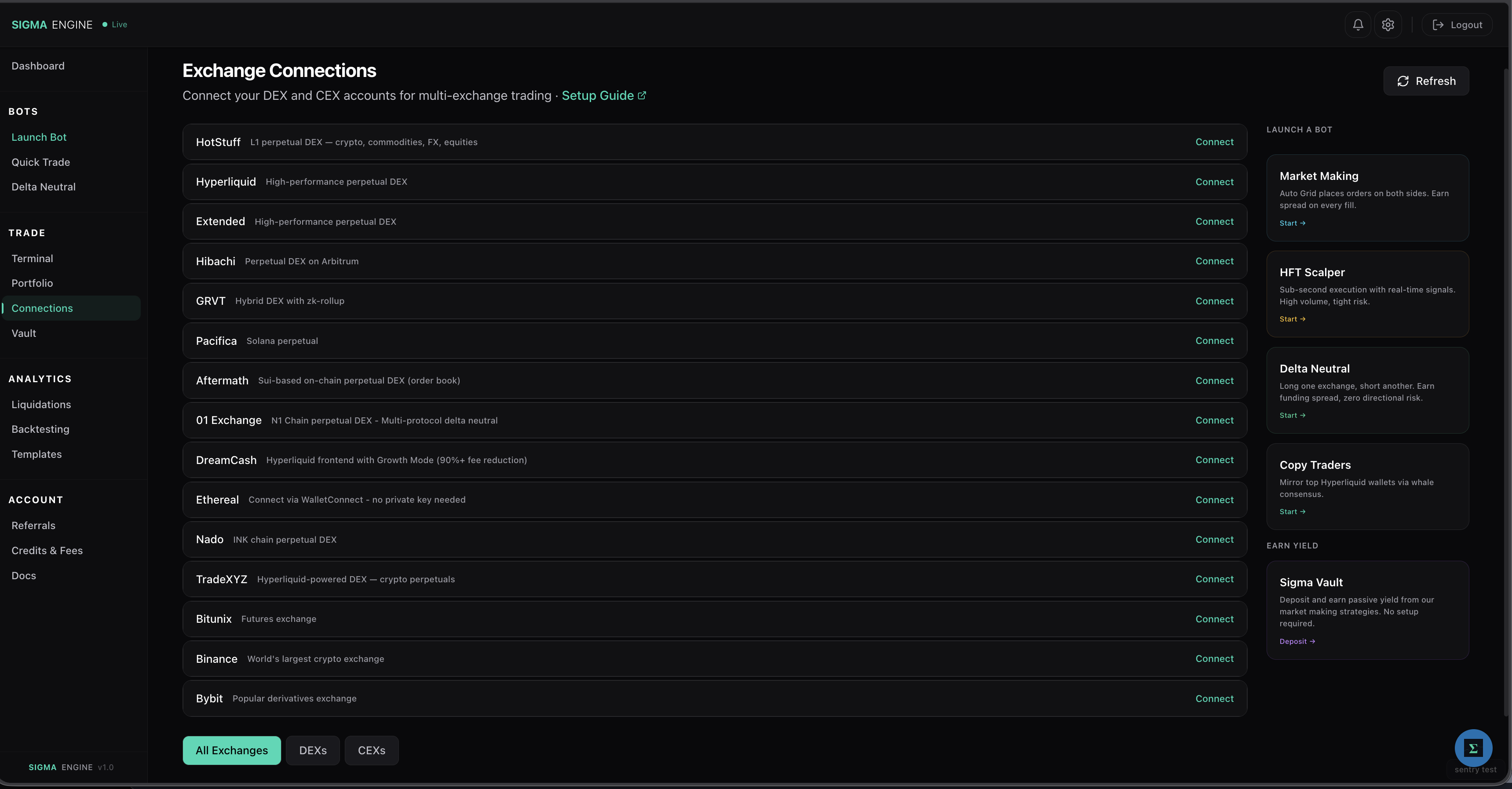
The Connections page is where you link your exchange accounts to Sigma Engine. Once connected, your bots can trade on that exchange using your account without ever having access to withdraw your funds.
What You See
- Connected / Available — How many exchanges you've linked vs. how many are available
- Total Balance — Aggregate balance across all connected exchanges
- DEXs / CEXs toggle — Filter by decentralized or centralized exchanges
- Per-exchange cards — Connect, verify, or disconnect each exchange
Supported Exchanges
DEXs (Decentralized)
| Exchange | Chain | Status |
|---|---|---|
| Ethereal | Ethereal Chain | Live |
| Hyperliquid | HyperEVM | Live |
| HyENA | HyperEVM | Live |
| DreamCash | HyperEVM | Live |
| Extended | StarkEx | Live |
| GRVT | zk-rollup | Live |
| HotStuff | HotStuff L1 | Live |
| Hibachi | Arbitrum | Live |
| Pacifica | Solana | Live |
| Aftermath | Sui | Live |
| 01 Exchange | N1 Chain | Live |
| TradeXYZ | HyperEVM | Live |
| Nado | — | Live |
| DreamCash | Hyperliquid | Live |
| Lighter | Arbitrum | Coming soon |
| Backpack | Solana | Coming soon |
CEXs (Centralized)
| Exchange | Status |
|---|---|
| Binance | Live |
| Bybit | Live |
| Bitunix | Live |
How to Connect
- Go to the Connections page from the sidebar
- Find your exchange and click Connect
- For DEXs: Sign a gasless transaction to authorize the linked signer
- For CEXs: Enter your API key and secret (trade-only permissions)
- Click Verify to confirm the connection is working
- Click Authorize Sigma Engine to allow our bots to trade on your behalf.
Your credentials are encrypted at rest and can be revoked at any time. See Connection Methods and Security for details.