Strategy Builder
The Strategy Builder is where you configure and launch trading bots. Select a strategy, pick your exchange and market, set your parameters, and start trading.
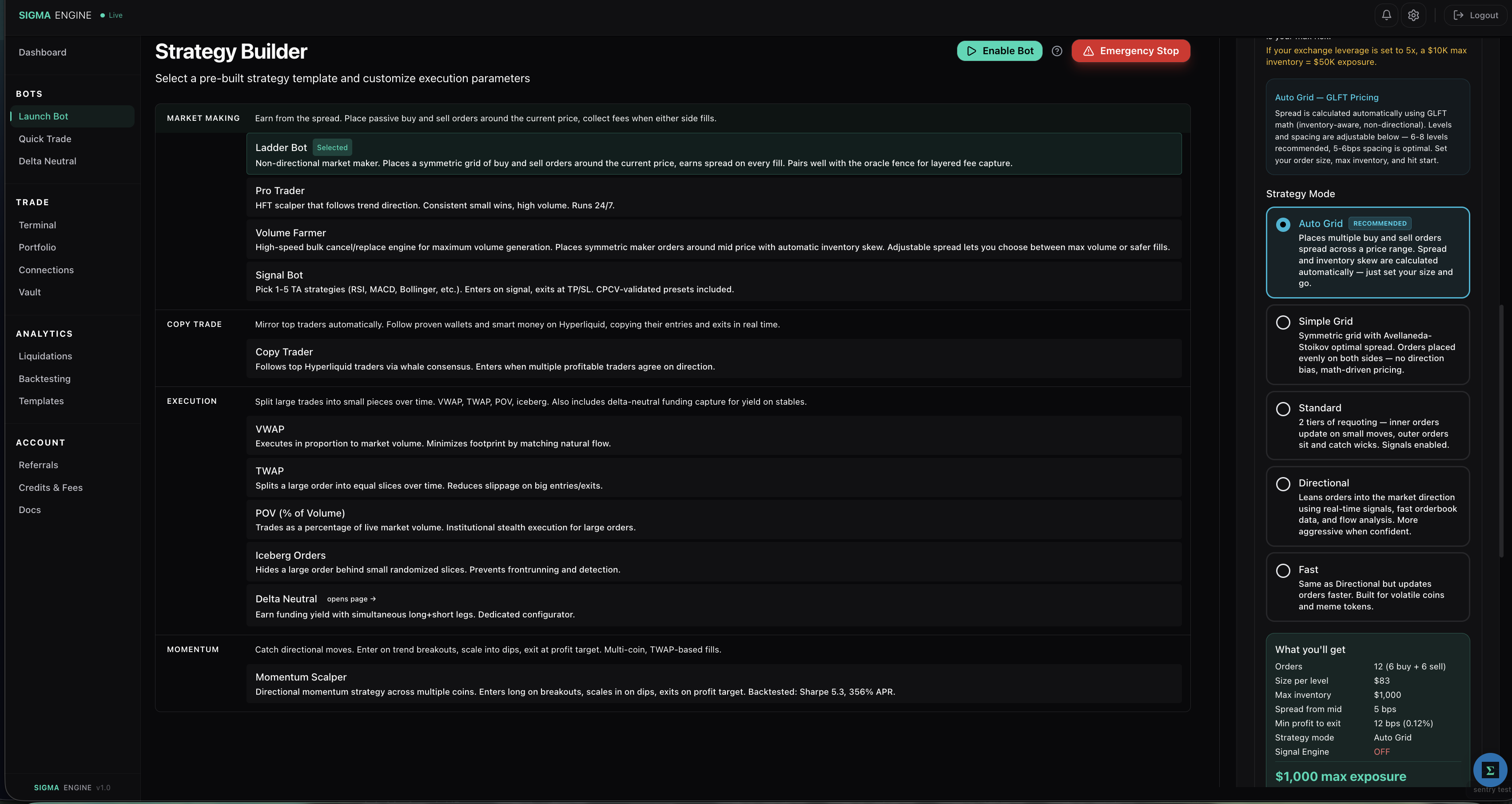
Available Strategies
| Strategy | Type | Description |
|---|---|---|
| Pro Trader | HFT Scalper | Directional scalper that follows market trend with signal intelligence. Best for active traders who want volume + profit optimization. |
| Ladder Bot | Market Maker | Multi-level geometric ladder with 5 configurable modes. Places buy and sell orders at multiple price levels around mid. Best for passive spread capture. |
| TWAP | Execution | Time-weighted average price. Splits a large order into slices over time to reduce slippage. |
| VWAP | Execution | Volume-weighted average price. Matches historical volume patterns for optimal execution. |
Click a strategy card to select it and open its configuration panel on the right.
Selecting an Exchange
Use the exchange dropdown to choose which venue to trade on. Sigma Engine supports 15+ DEXs and CEXs.
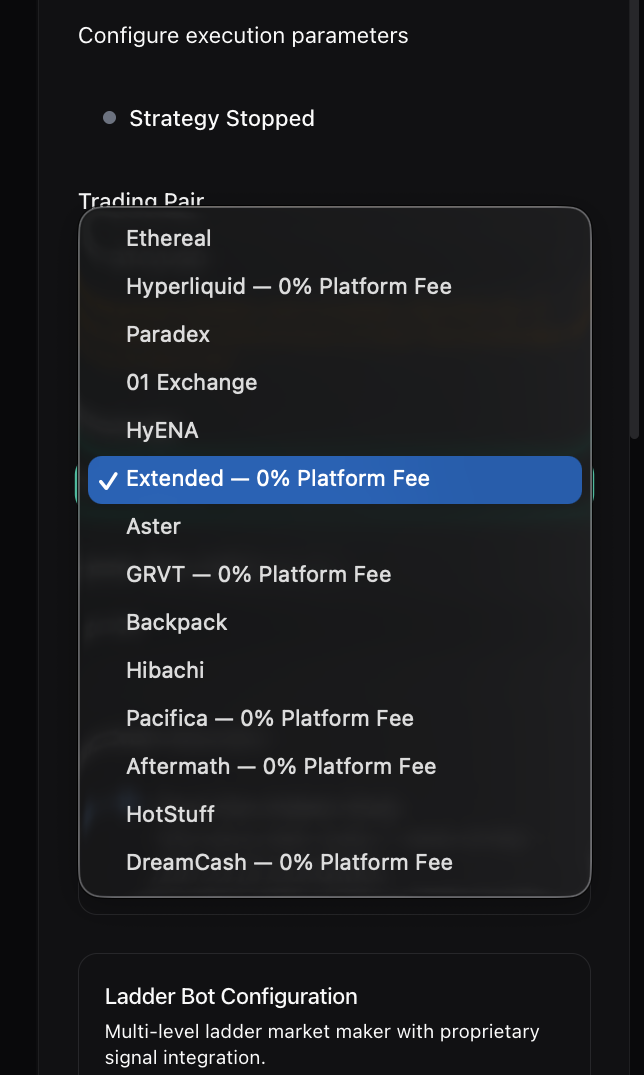
Exchanges marked with "0% Platform Fee" have no Sigma Engine fee on top of the exchange's native fees. You must have the exchange connected on the Connections page before it appears as available here.
Order Execution
All bot strategies use Post Only (Maker Only) execution by default.
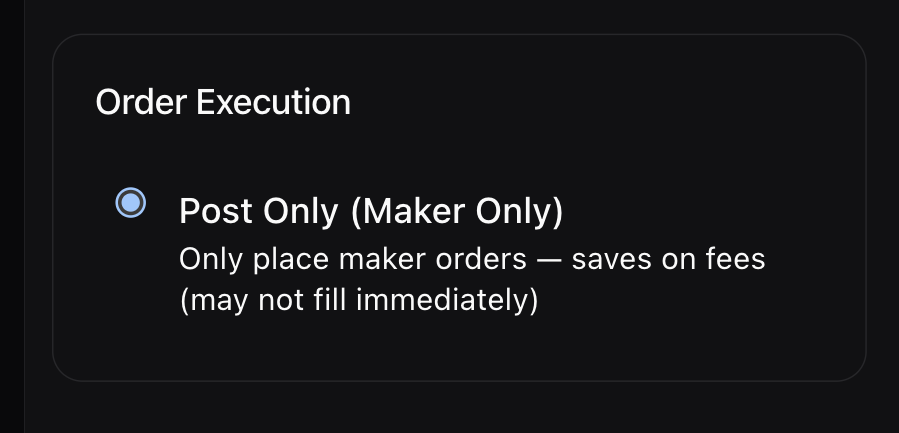
Post Only means your orders are placed as limit orders that add liquidity to the orderbook. They never cross the spread to fill immediately. This matters because:
- Maker fees are 0% on most supported DEXs — your trades are free
- Taker fees are 0.02-0.05% — crossing the spread costs you money on every fill
- Orders may not fill immediately, but when they do, you pay zero fees
This is the primary reason bots on Sigma Engine are cost-efficient. Every fill is a maker fill.
Configuring and Launching
- Select a strategy by clicking its card
- Choose your exchange from the dropdown
- Pick a trading pair (BTC/USD, ETH/USD, etc.)
- Set your parameters — size, spread, leverage, and strategy-specific settings
- Review the summary at the bottom of the configuration panel
- Click Start to launch the bot
The summary panel shows your configured strategy, exchange, pair, size, and estimated exposure before you commit.
Controls
- Disable Bot — Cancels all pending orders but does not close open positions. Use this to stop the bot from placing new orders while you decide what to do with existing positions.
- Emergency Stop — Same as Disable Bot. Open positions must be closed manually on the exchange or via the Terminal page.
Stopping a bot is not the same as closing your positions. If the bot has built a position, that position remains open until you close it.